

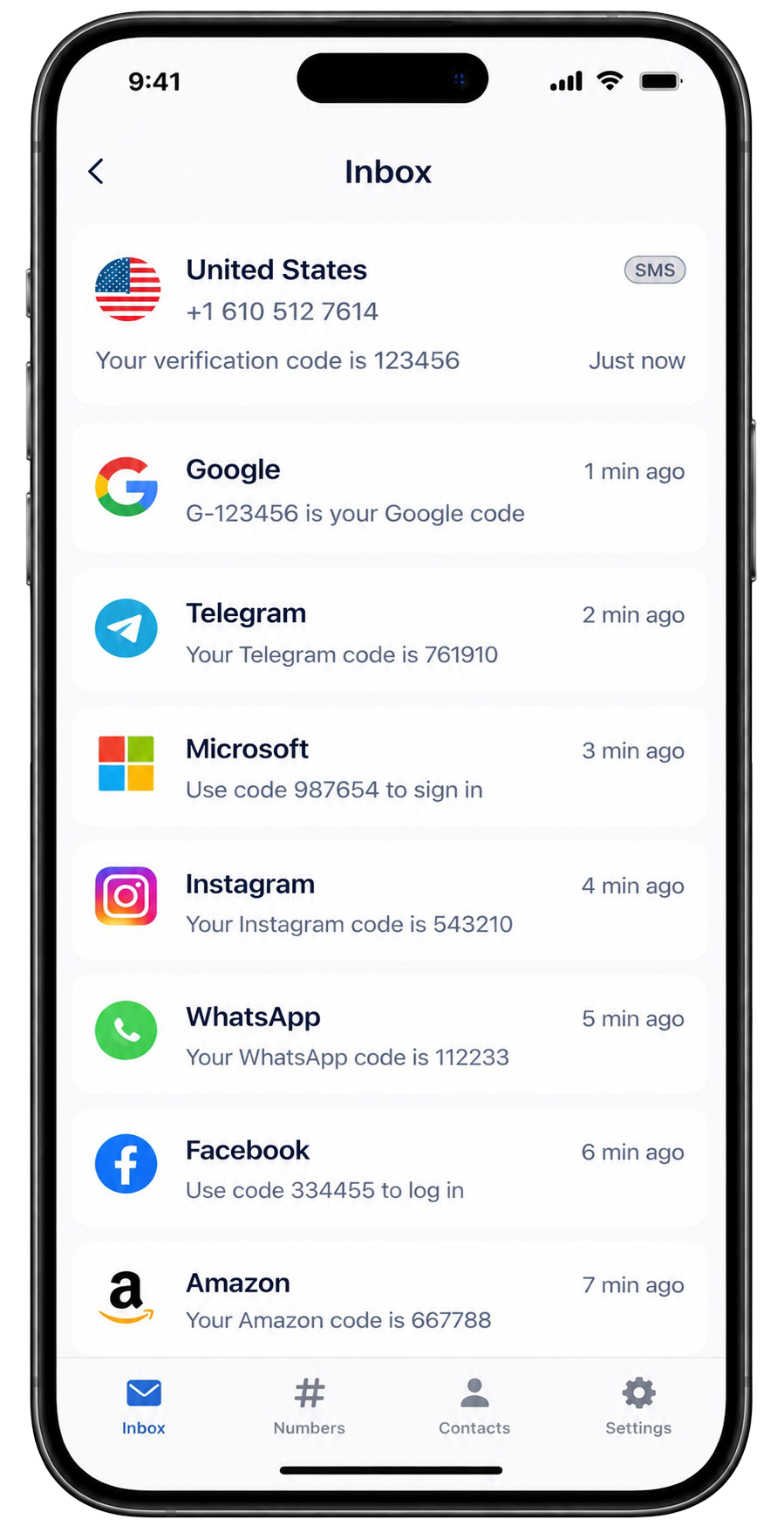
ReceiveTmpSMS lists public United States numbers you can use for short, low-stakes SMS verification. Pick an online number, copy the full E.164 value (including +1), paste it into the app or site that is sending a code, then return here and refresh the inbox.
These are shared inboxes. They are useful for development OTPs, one-time trials, and forms you do not trust with your personal SIM. They are a poor fit for banking, email recovery, government IDs, or anything you would mind a stranger reading.
US numbers are often expected by apps that hard-code North American formats. If a service rejects a number, try another online US line from this page - busy public ranges get blocked more often than quiet ones.
How to receive SMS on a US temporary number
- Choose a number marked Online from the list below.
- Open the inbox and copy the full number with country code.
- Request the verification SMS in the other app.
- Refresh this inbox until the message appears, then copy the code.
What works well with US public numbers
Many social, gaming, marketplace, and developer tools accept US mobile-looking numbers for SMS. Messaging apps such as WhatsApp or Telegram may accept some lines and reject others depending on reputation filters. Success is never guaranteed on a shared pool.
Tips when a US code never arrives
- Confirm you pasted the full +1 number, not a truncated local format.
- Wait a minute and refresh; high-traffic numbers can lag.
- Switch to a different online US number and request a new code.
- Avoid banking or password-reset flows - those messages may be filtered for safety.
Available United States inventory on ReceiveTmpSMS is updated regularly. If every option fails for your use case, try Canada or another country the app will accept.