
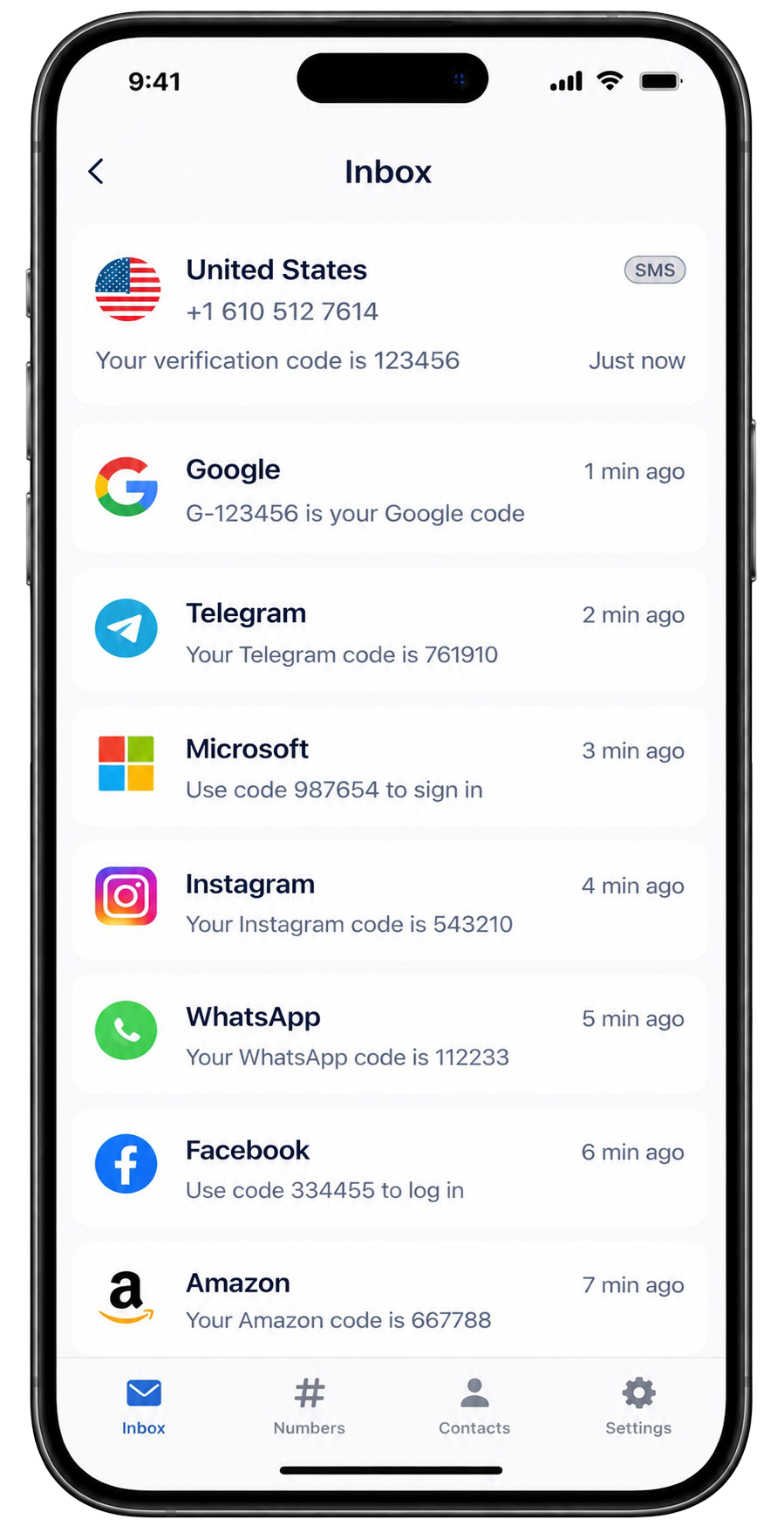


ReceiveTmpSMS lets you try Tinder SMS verification with a shared public number. Pick a country, open an online inbox, paste the number into Tinder, then read the code here.
Dating apps often require SMS. Use public numbers only for throwaway tests - never for accounts with private photos you care about.
Public inbox warning: Messages on ReceiveTmpSMS are visible to anyone who opens the number. Do not use these numbers for passwords, banking, or accounts you need to keep.
Steps for Tinder
- Open a country page and choose an Online number.
- Copy the full international number.
- Enter it in Tinder and request the SMS.
- Refresh the inbox on ReceiveTmpSMS and copy the code.
If Tinder rejects the number or the SMS never arrives, switch to another online number. Shared pools are busy and some platforms actively block known public ranges.